
February 23, 2026
A few requested filtering features. In this release:
- Storefront Customization - Configurable gender labels
- Additional Age Filtering - Younger ages!
Storefront
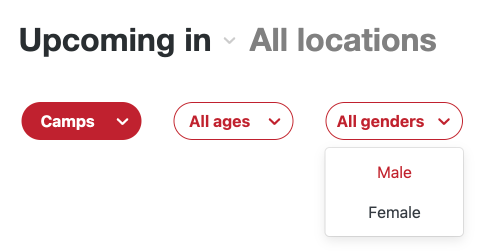
Gender Filter
This release adds an option to checkout branding settings to toggle how the gender filter should be presented. By default, this will continue using boys/girls, but toggling the new option will switch this display to use male/female. A very minor change, but we hope this will allow the language used in Citrus to better align with your own messaging and branding.
The new option can be found in Settings > Change your checkout branding > Use Male/Female labels.
Age Filter
By request, we've expanded the age filter to support younger athletes. We have further changes and enhancements planned for this filter, but we hope this will suffice in the mean time!