
November 10, 2025
This release includes many smaller fixes and improvements, but that doesn't mean no big features! Alongside our minor adjustments, we're excited to present a few very highly anticipated features:
- Featured Events - Highlight featured events on your storefront
- External Calendar Syncing - Sync your Citrus schedule with your personal calendar
- Quick Filter Pages - Faster quick filter loading and easier management
Events
Featured Events
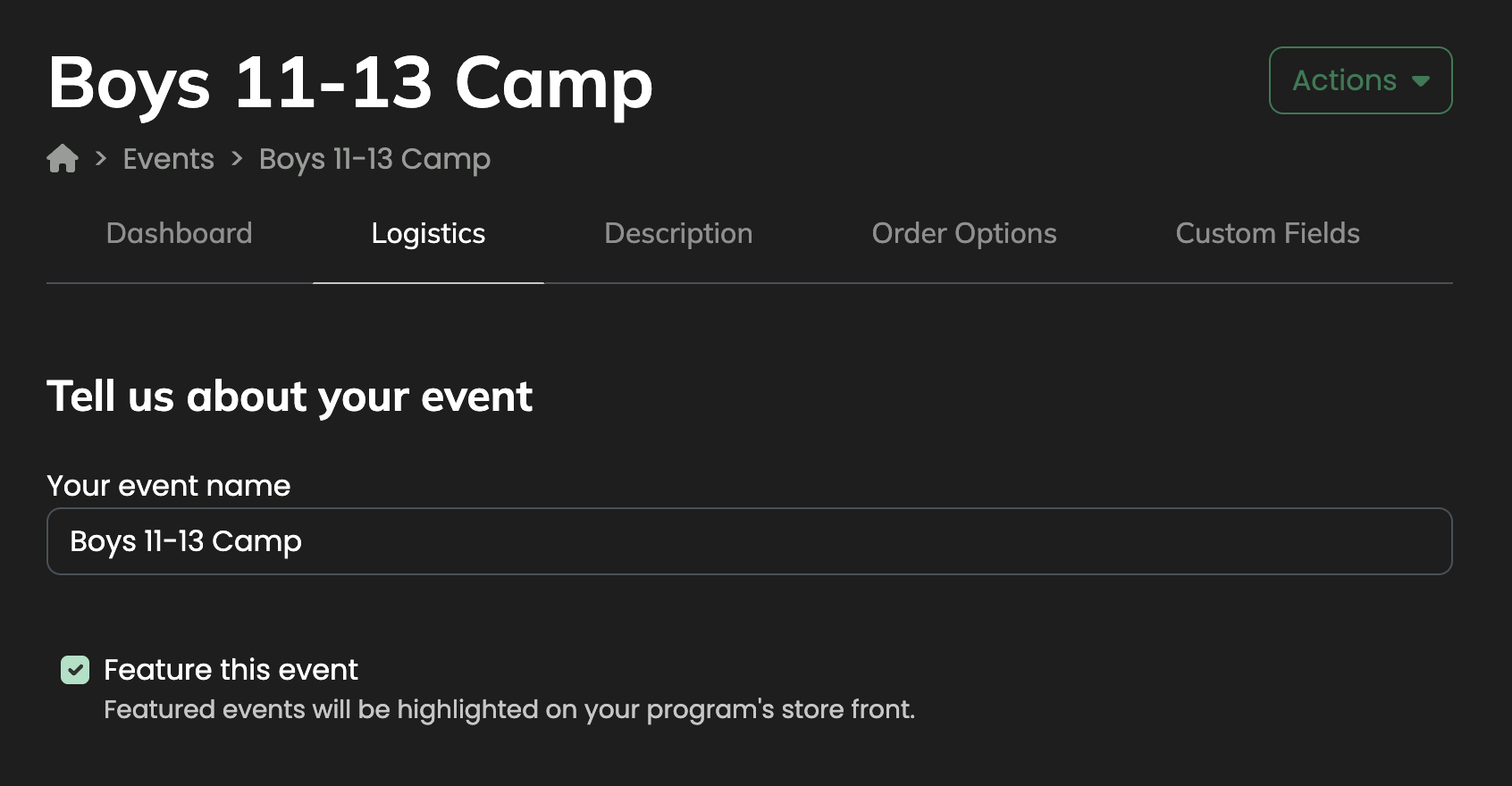
A highly requested feature, Citrus now allows you to mark select events as Featured, giving them increased visibility across your storefront. This helps highlight priority programs, limited-time sessions, or key initiatives you want participants to notice first. By showcasing featured events, you can drive higher engagement, guide participants toward your most important offerings, and improve overall program discoverability. From the logistics page on any event, simply toggle the “Feature this event” option when editing an event and it will begin displaying at the top of any store-front pages. Featured events are designed to help your best programs get the attention they deserve, ultimately boosting registration and participation.
External Calendar Syncing
Citrus now makes it easy to keep your schedule in sync by allowing you to link Citrus with any calendar app that supports subscriptions (including Apple and Google calendars). Each account gets a unique calendar URL, ensuring that events are automatically updated whenever you make changes in Citrus, so there's no manual updates required! We hope this feature helps team members stay organized, reduces missed events, and provides a seamless way to integrate Citrus programs into your existing schedules and daily planning. You can access your calendar link in the dashboard under Events → Calendar → External Sync, and share it confidently, knowing it’s tied to your account. We plan to continue expanding on this, so stay tuned!
For additional information, check the associated knowledge base article here.
Settings
Quick Filter Pages
We got feedback from some programs with many quick filters that managing them became difficult passed a certain threshold. To solve this and enable easier management, quick filters can now navigated in pages, allowing full control over filters while maintaining performance. We hope this change will enable these programs to continue expanding their options and organization using quick filters!